Your Adobe XD to Figma migration,
done right the first time.
Pixel Fine Converter transforms your .xd files into native Figma nodes with the structure, styles, and components intact. No uploads. No subscriptions. Runs entirely on your machine.
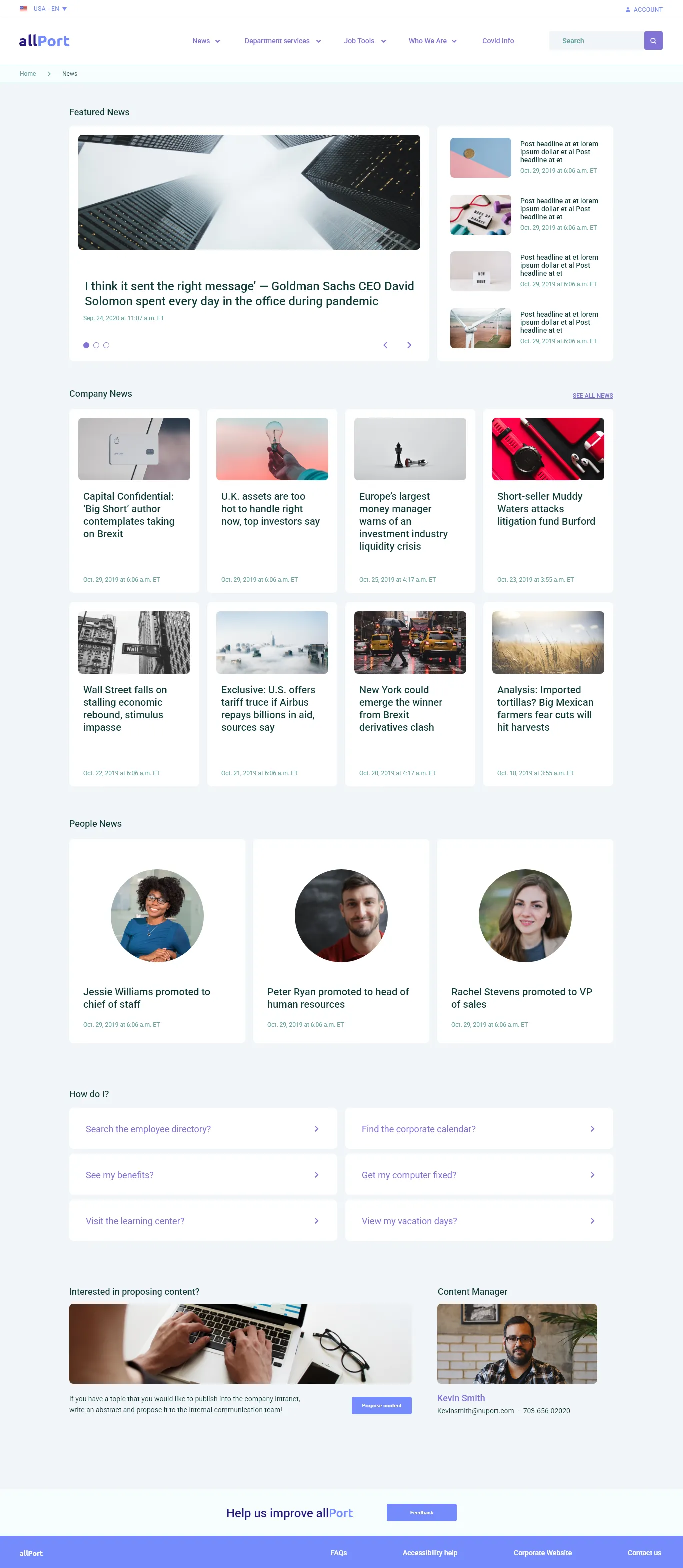
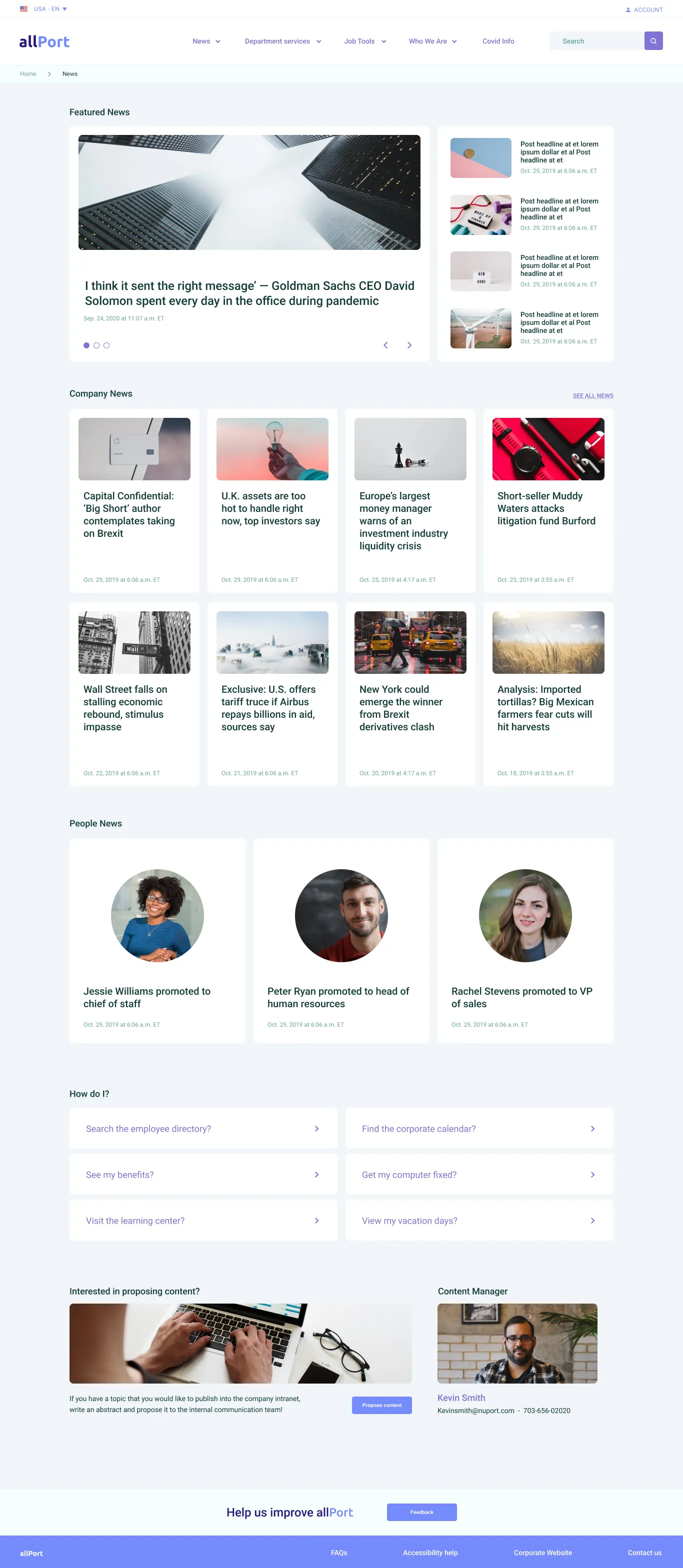
🔍 Switch between Adobe XD and Figma tabs to see the conversion accuracy ✨
Still rebuilding XD designs in Figma by hand?
Hours of manual work
Recreating hundreds of layers, reapplying styles, and reconnecting components one by one. A single complex file can take days.
Lost in translation
Copy-paste strips away layer hierarchy, component relationships, and layout structure. You end up with flat groups instead of an organized, editable design system.
Close, but not right
Generic converters miss the details that matter — text baselines shift, gradient angles rotate, and effects lose their parameters. The result looks close, but needs hours of manual fixes.
Drop your .xd file. Get native Figma nodes.
One-step conversion
Drag and drop your .xd file into the plugin. Click convert. That's it.
100% local processing
Your design files never leave your machine. Network access is disabled at the Figma platform level — not just a promise, but a technical guarantee.
Fully editable output
Every layer becomes a native Figma node you can select, edit, and build on. Not a flattened image. Not a rough approximation.
Care for every detail
✏️ Text that stays where it belongs
XD and Figma use different font metric systems for vertical positioning. Pixel Fine compensates for these differences mathematically, placing text at the correct baseline — not "close enough."
Line height, letter spacing, and paragraph alignment are all preserved. Mixed font sizes within a single text layer are handled correctly.
🇯🇵 First-class Japanese / CJK font handling
Move a Japanese design from XD to Figma and you may notice text drifting just a few pixels vertically. CJK fonts use baseline metrics structured differently from Latin-only fonts, and the generic formula correction can't always close the gap to under 1px on its own. Pixel Fine Converter ships per-font precise correction coefficients, derived from real measurements of the XD ⇄ Figma baseline difference.
Supported fonts: Noto Sans CJK JP / Noto Sans JP / Hiragino Kaku Gothic ProN / Yu Gothic / Meiryo / MS Gothic (as of April 2026, based on 42 cells × 5 fonts measured). See the Features page for the correction type behind each font.
🎨 Gradients that point the right way
Figma and XD represent gradients with fundamentally different transform models. Most converters get the angle wrong. Pixel Fine computes the correct inverse transform matrix, so your linear and radial gradients render in exactly the right direction.
Drop shadows, inner shadows, blur, and background blur are all converted with their full parameters — including opacity.
🧩 Components that actually work
XD symbols become real Figma Components — not detached groups. Instance overrides for color, text, and visibility carry over. XD states (Hover, Pressed, Disabled) are converted to Figma Variants and grouped into Component Sets, ready to use in your design system.
📐 Layouts that respond, not just look right
Other converters give you fixed-position frames. Pixel Fine analyzes your XD Stacks and group arrangements to generate Figma Auto Layout with correct direction, spacing, and padding.
The result isn't just visually accurate — it's structurally correct and responsive.
🔗 Prototypes, not just pixels
Your prototype flows don't end at the artboard edge. Screen transitions, overlays, scroll-to actions, and smart animate all carry over to Figma's prototype system.
XD component state transitions (Hover, Pressed) are mapped to Figma interactions targeting the corresponding variant — so your interactive components keep working after conversion.
Start free. Upgrade when you need advanced features.
| Feature | Free | Pro |
|---|---|---|
| Shapes, text, styles, effects, masks, images | ✓ | ✓ |
| Conversion runs (no run or credit limit) | Unlimited | Unlimited |
| Artboards | Up to 3 | Unlimited |
| File size | 30 MB | 300 MB |
| Components & Variants | — | ✓ |
| Auto Layout | — | ✓ |
| Repeat Grids | — | ✓ |
| Prototype Interactions | — | ✓ |
| Document Styles | — | ✓ |
| Conversion Notes | — | ✓ |
Ready to convert?
Free plan includes all basic conversion features. No account required.
Simple pricing. No subscription.
Free
- ✓ No limit on conversion runs (not credit-based)
- ✓ Up to 3 artboards
- ✓ 30 MB file size limit
- ✓ Shapes, text, styles & effects
- ✓ Groups, masks & images
- ✓ Full transform fidelity
Pro
- Everything in Free, plus:
- ♾️ Unlimited artboards
- 📦 300 MB file size
- 🧩 Components & Variants
- 📐 Auto Layout conversion
- 🔲 Repeat Grid conversion
- 🔗 Prototype Interactions
- 🎨 Document Color & Text Styles
- 📋 Conversion Notes
XD migration is a one-time task — your conversion tool should be a one-time purchase.
Frequently Asked Questions
Common questions before getting started.
▶ Is it free to use?
Yes! The Free plan includes all basic conversions (shapes, text, styles, images, etc.). No account required.
▶ Are my design files sent to external servers?
No, never. All processing happens locally on your machine. Network access is disabled at the Figma platform level.
▶ Is the Pro plan a one-time purchase?
$29, one-time purchase. No monthly fees, no per-file charges. Pay once, use forever.
▶ Is conversion quality different between Free and Pro?
Basic conversion quality is identical. Pro adds structural features like Auto Layout, Components, and Prototype interactions.
※ Conversions that use Auto Layout and Components may show small positional drift on text elements, due to differences between how XD and Figma handle text.
▶ How long does conversion take?
Typically a few seconds to under a minute. Even large files complete within a few minutes.
※ Conversion time also depends on your device's specs and workload. Start with the Free plan to try it out.
Leave the tedious work to the plugin.
Get back to designing.
Free to install. No account needed. No file uploads.

yanch10
🖥️ Frontend Engineer / 📝 Markup Engineer / 🛠️ Indie Developer
Passionate about connecting the worlds of engineering and design.
Built for real migration workflows
100% Local Processing
Your files never leave your machine. Network access is disabled at the Figma platform level.
$29 One-Time Purchase
No subscription. No recurring fees. No per-file charges. One payment covers every conversion, forever.
No Account. No Setup.
Install the plugin, drop your file, and convert. Works immediately.